Setting up firestick iptv is one of the easiest ways to access live TV, movies, and sports without traditional cable. With the right approach, you can complete your setup in minutes and enjoy a smooth streaming experience.
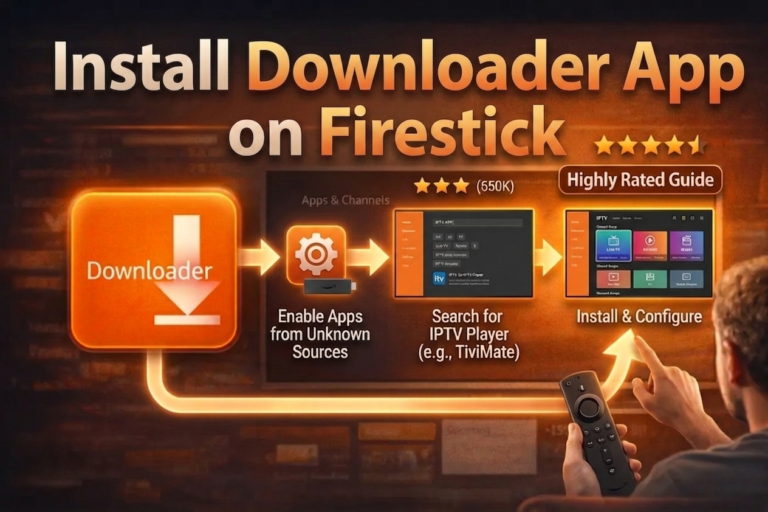
In this guide, you will learn how to install the Downloader app on your Fire TV Stick and prepare a complete firestick iptv setup step by step. This process is beginner-friendly and works for most IPTV apps.
Why Downloader Is Important for Firestick IPTV
The Downloader app is essential for any firestick iptv setup because it allows you to download apps directly to your device. This is useful when installing IPTV players that are not available in the default store.
It simplifies the process and gives you full control over your setup. If you are also comparing devices, you can check our guide on the best IPTV box to explore more advanced streaming options.
Step-by-Step Guide to Install Downloader on Firestick
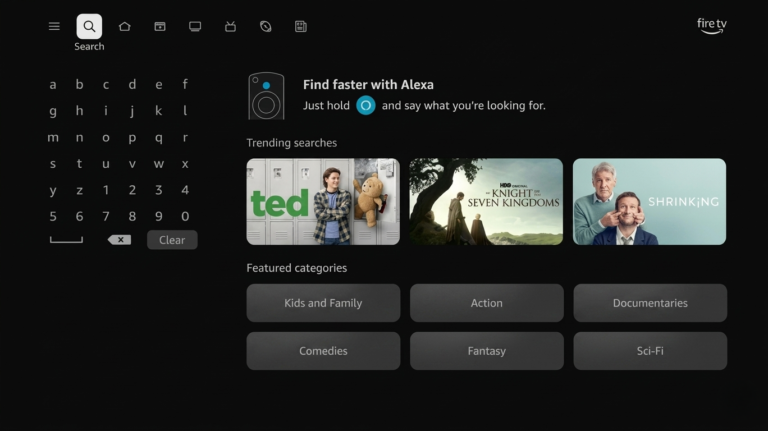
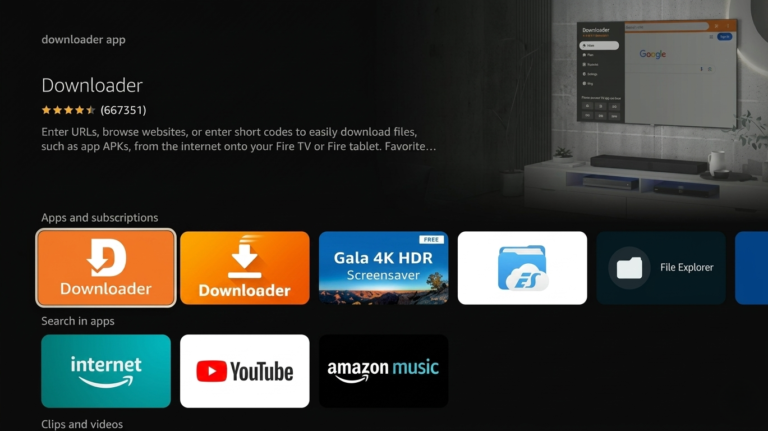
Step 1: From the Fire TV home screen, hover over the Search button
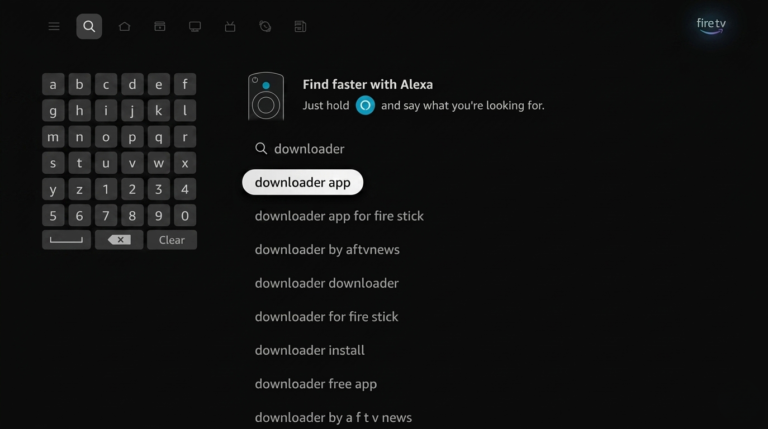
Step 2: Search for “Downloader” and select the result
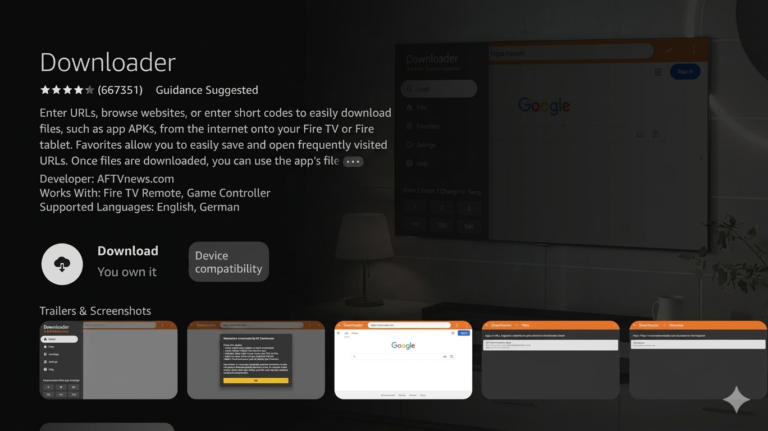
Step 3: Choose the official Downloader app by AFTVNews
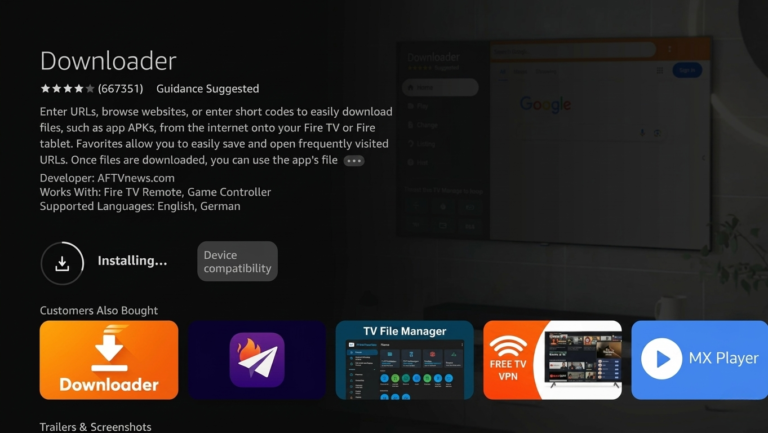
Step 4: Click Download to install the app
Step 5: Wait for the Downloader app to install
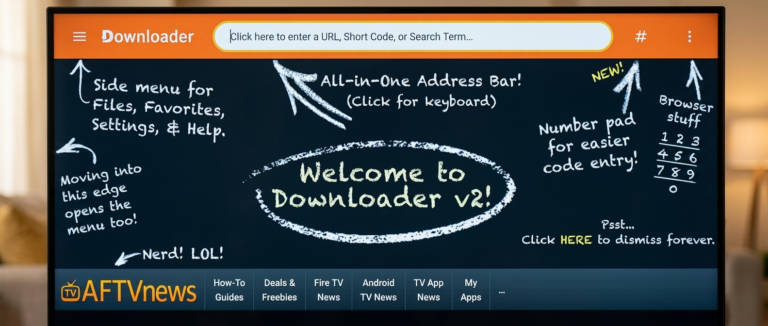
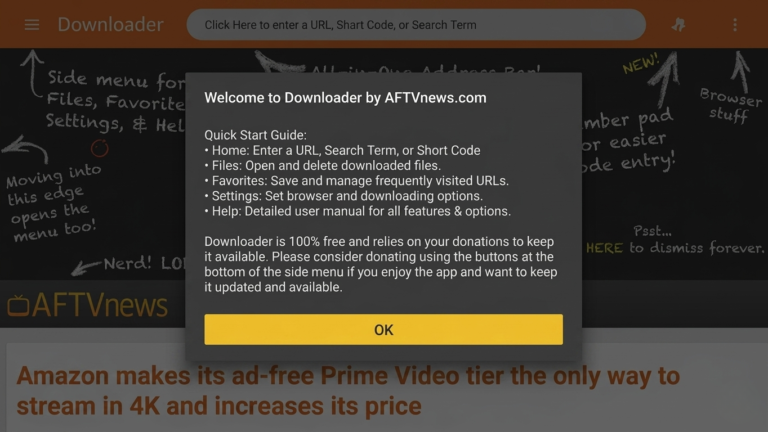
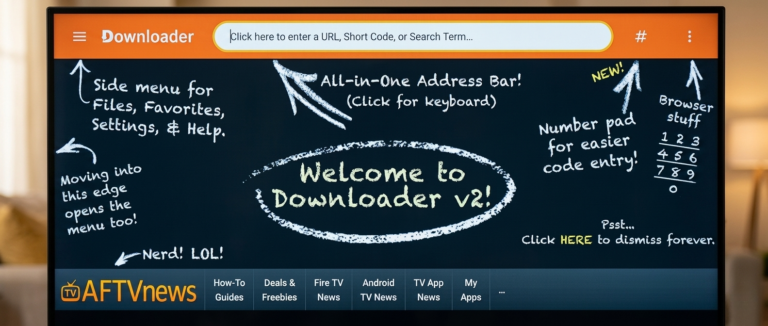
Step 6: The app will open automatically, click OK on the welcome screen
Step 7: Downloader app installed successfully on your Firestick
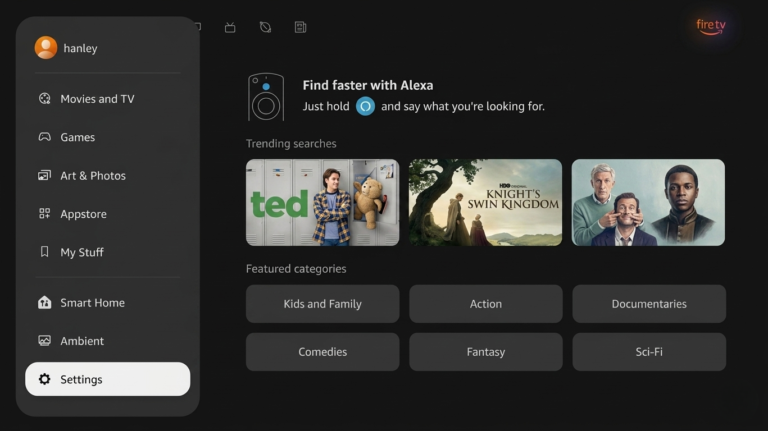
8. Return to the Fire TV home screen and click Settings on the bottom left.
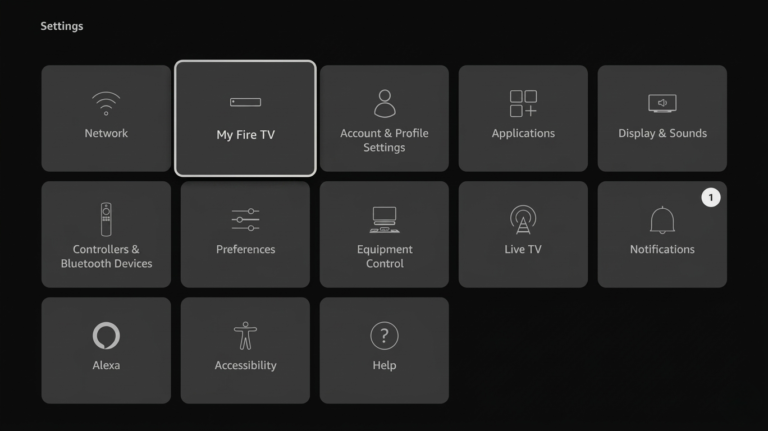
Step 9: Click on My Fire TV
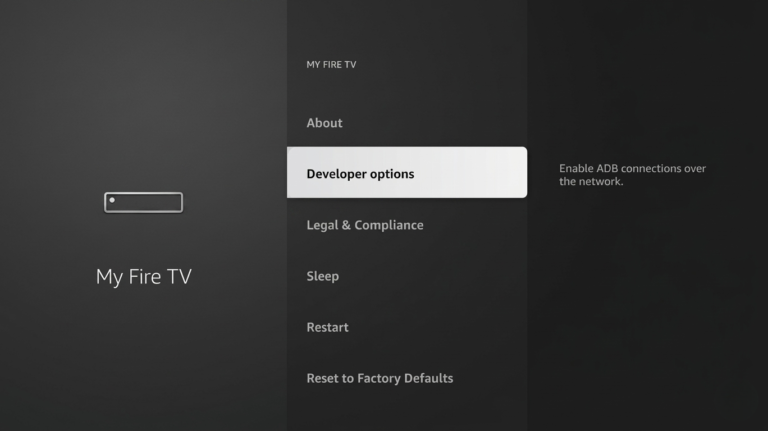
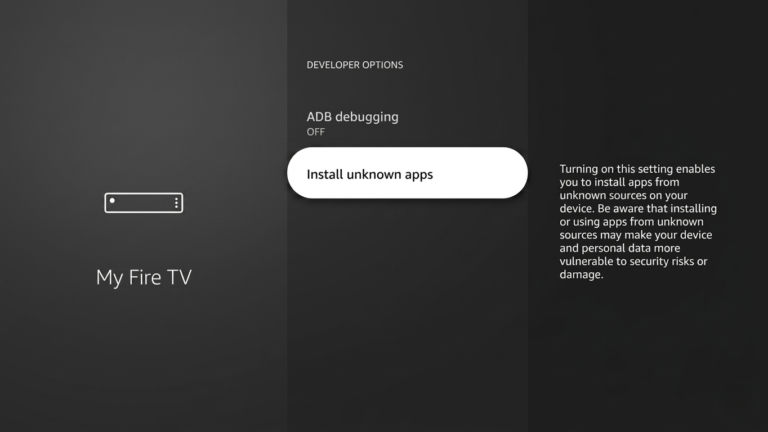
Step 10: Open Developer Options
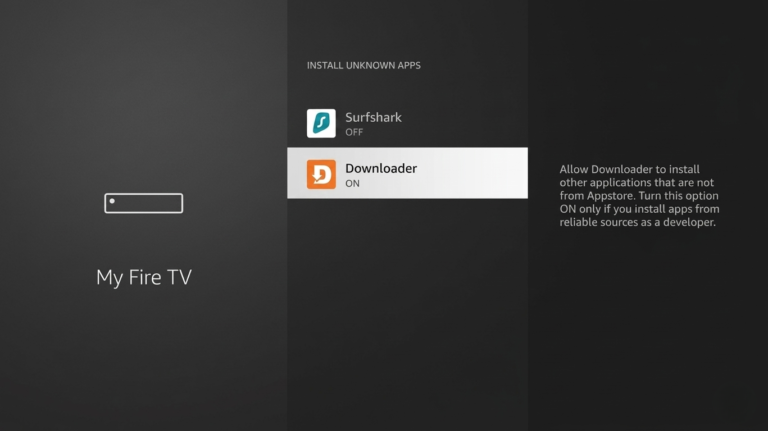
Step 11: Click on Install Unknown Apps
Step 12: Enable Downloader by turning it ON
Step 13: You can now sideload apps using Downloader
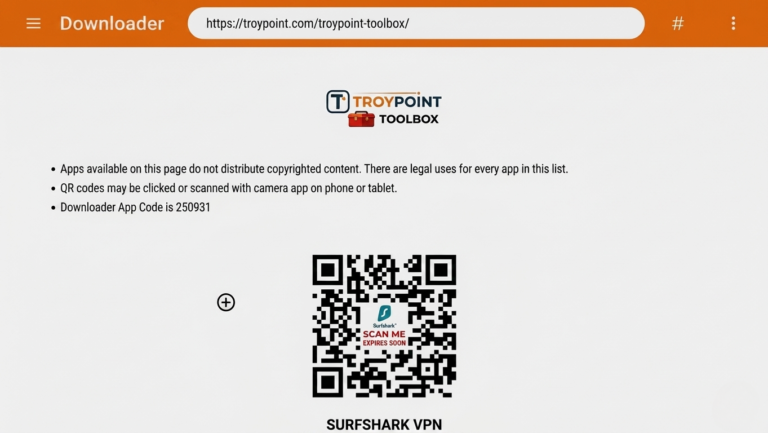
You can now install apps using Downloader. You can also enter code 250931 to access the toolbox and install apps easily.
Once Downloader is installed, you can continue your firestick iptv setup by installing IPTV apps such as Tivimate or STB Emu Pro.
Choosing the right service is just as important as the setup itself. You can read our guide on the best IPTV Canada services to find a reliable provider.
Why Firestick on IPTV Is Popular
Many users prefer firestick on iptv because it is simple, affordable, and easy to use. With just a few steps, you can turn your Fire TV Stick into a complete streaming device.Compared to traditional cable, IPTV offers more flexibility and access to a wide range of content, making it a popular choice for modern streaming.
Final Tips for Firestick IPTV Setup
To get the best firestick iptv experience:
Use a stable internet connection
Keep your device updated
Restart Firestick regularly
Install only trusted apps
Conclusion
Installing Downloader is one of the most important steps in any firestick iptv setup. Once completed, your Fire TV Stick becomes ready to install apps and start streaming content without any complications.
For the best experience, combining a proper setup with a reliable provider like TopIPTVCanada.ca ensures smooth streaming, fast activation, and long-term performance across all your devices.
FAQ
1. What is Firestick ?
Firestick is a method of streaming live TV and on-demand content using internet-based apps on your Fire TV Stick instead of traditional cable.
2. How do I install Downloader on IPTV on Firestick?
To install Downloader, go to the search option on your Fire TV Stick, type “Downloader,” select the official app, and click download. Once installed, you can use it to continue your firestick iptv setup.
3. How do I install Downloader on Firestick?
Downloader is essential for firestick because it allows you to install apps that are not available in the Amazon App Store, making the setup process easier and faster.
4. Is IPTV on Firestick easy to set up?
Yes, firestick setup is simple and beginner-friendly. By following step-by-step instructions, you can install apps and start streaming in just a few minutes.
5. What apps can I use for Firestick ?
Popular apps include Tivimate, STB Emu Pro, and IPTV Player. These apps help you stream channels after completing your firestick iptv setup.
6. Why is my Firestick not working?
If your firestick is not working, it may be due to slow internet, app issues, or incorrect setup. Restarting your device or reinstalling the app usually fixes the problem.